
Hand and phone shadows
Remove hard shadows cast across the page while photographing a document from above.
Clean shadows, dark corners, and uneven lighting from scanned documents, book pages, receipts, forms, and notes while keeping the text readable.
Working with a regular photo? Try Photo Shadow Remover
JPG, PNG or WebP · up to 10 images · 10 MB each
Choose imagesCommon document shadows
Document photos and scans can contain several kinds of uneven lighting. The tool is designed to reduce these common problems while keeping the page content visible.
Remove hard shadows cast across the page while photographing a document from above.
Reduce gradual shading around curved book pages, folded receipts, and document edges.
Clean dark corners, scanner borders, and uneven gray areas around the page.
Document-first cleanup
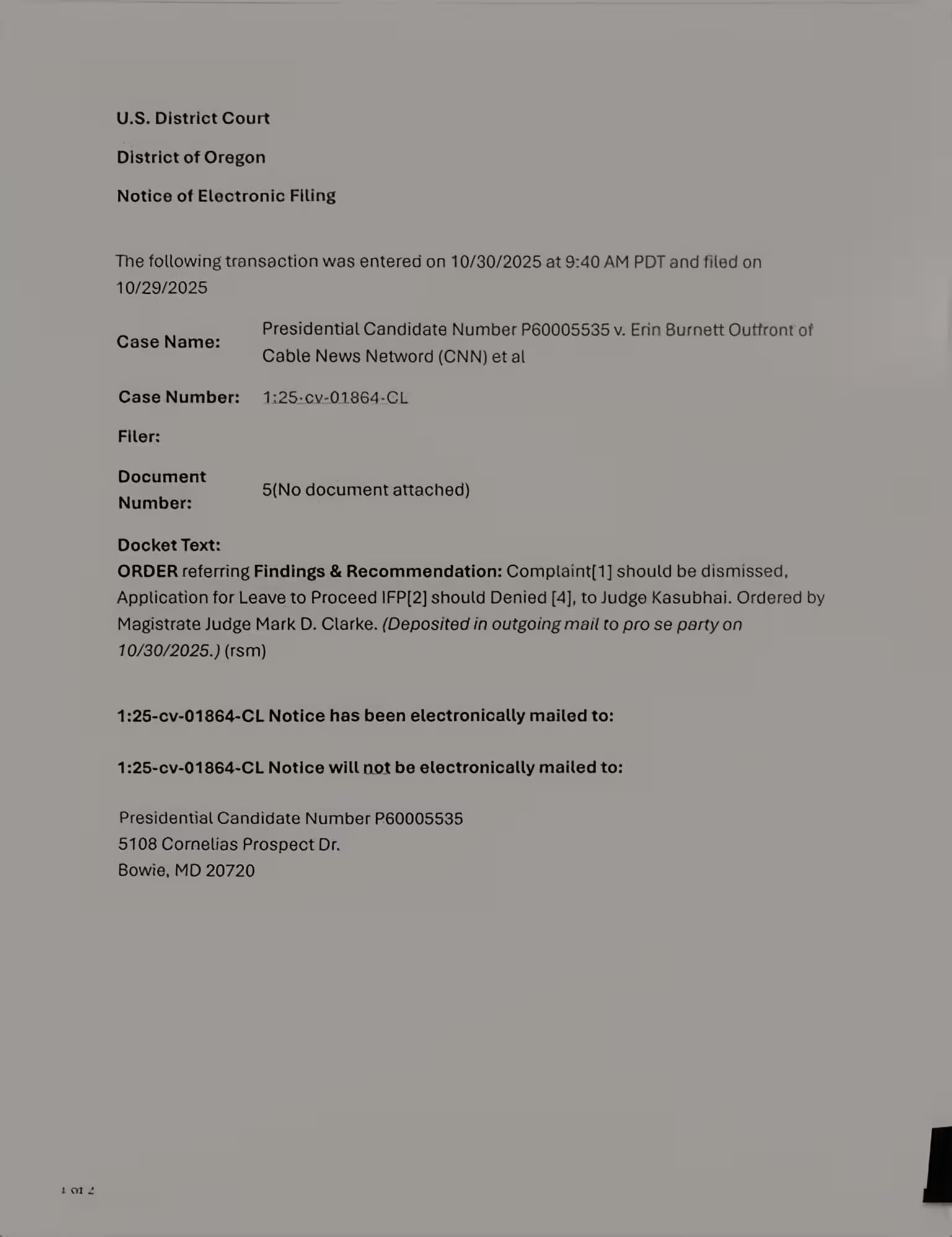
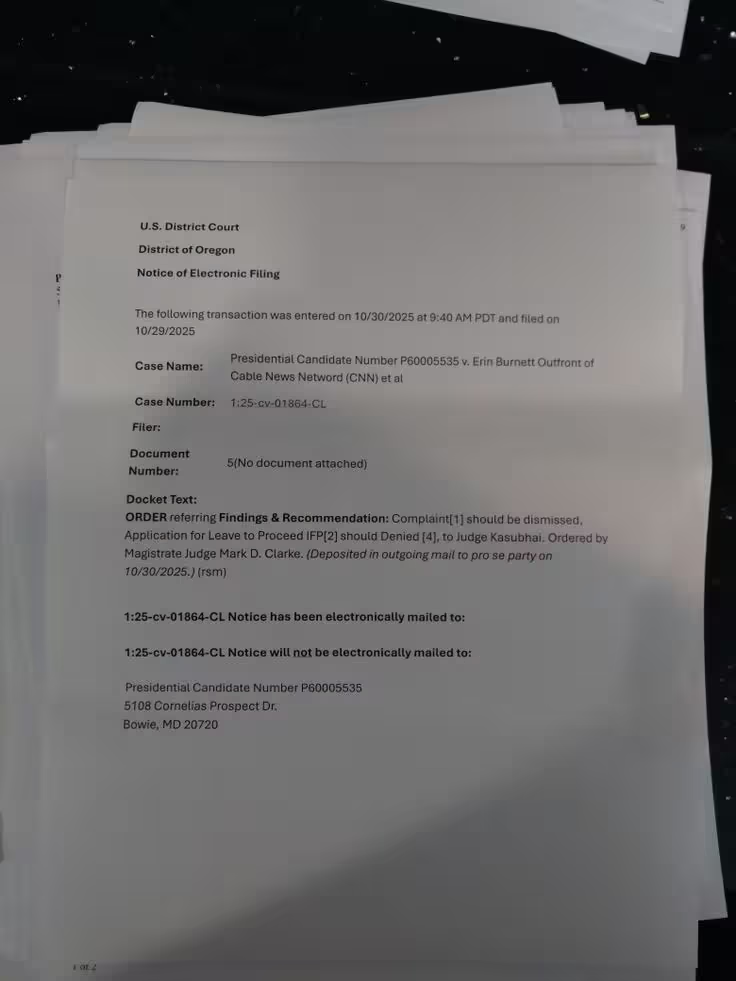
Drag each slider to compare the original document with the cleaned result.
Clean dark corners, hand shadows, page-curve shading, and uneven light without selecting problem areas manually. The correction targets inconsistent illumination instead of simply brightening the entire page.
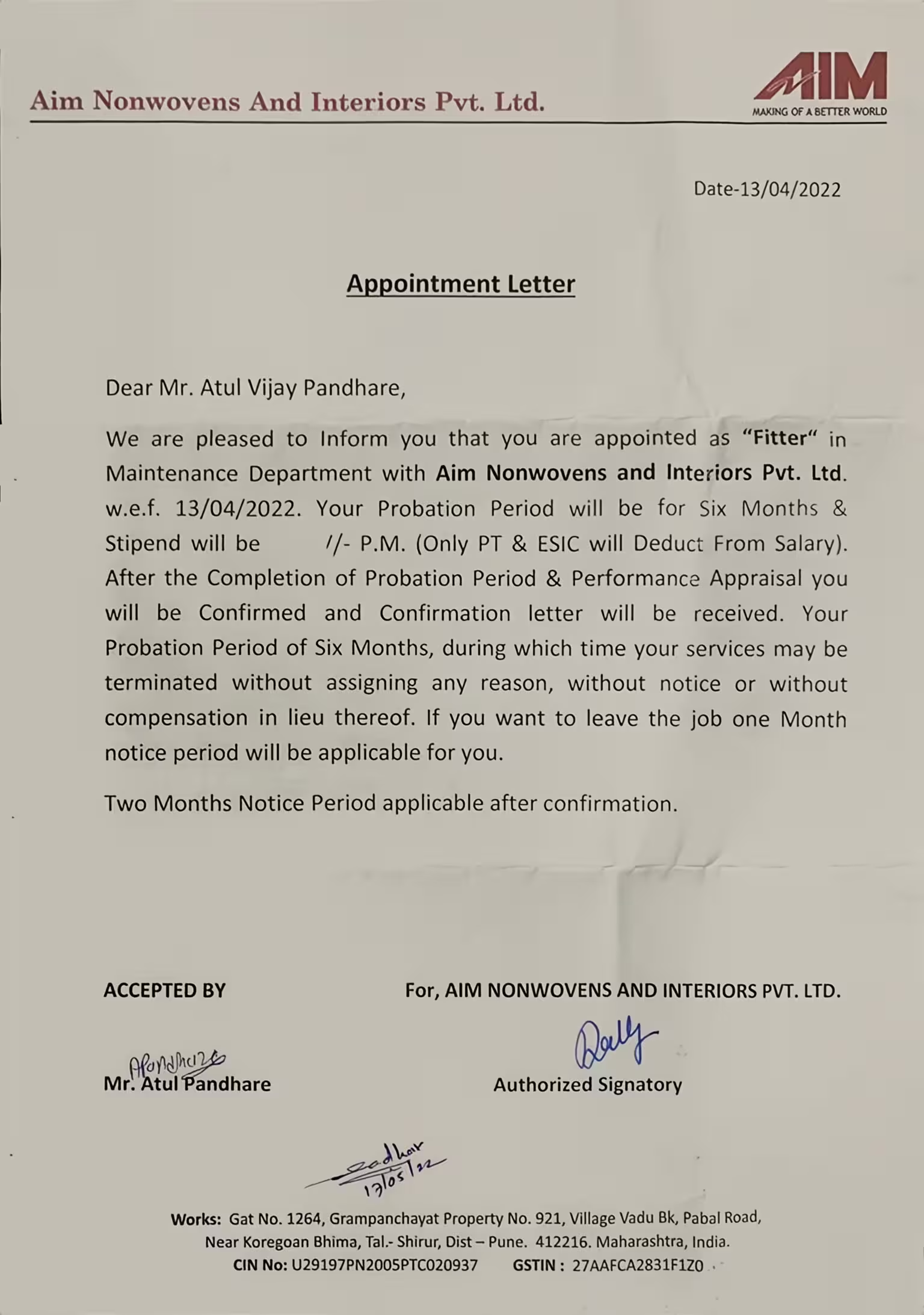
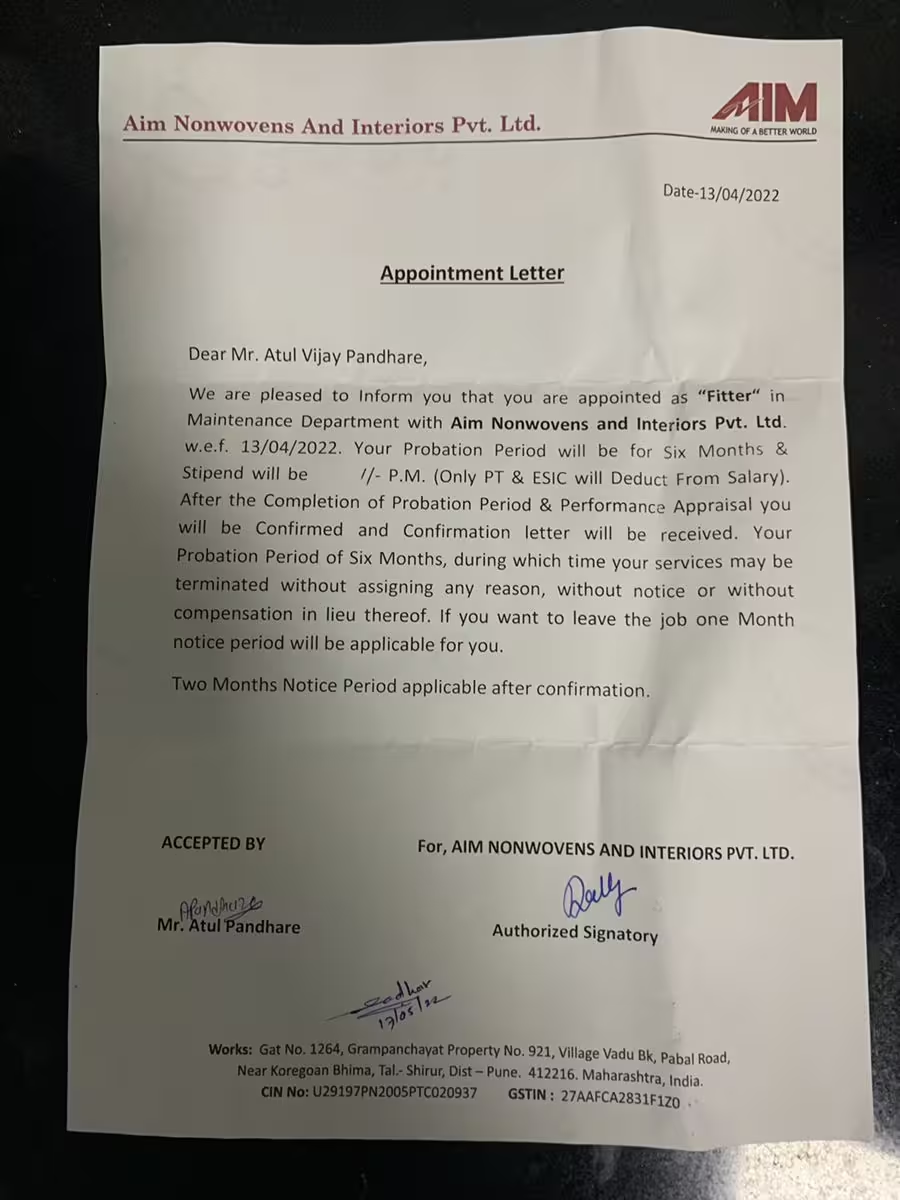
Balance the background of receipts, forms, notes, and book pages so text stands out more clearly. A more even page makes small print and low-contrast content easier to review on screen.
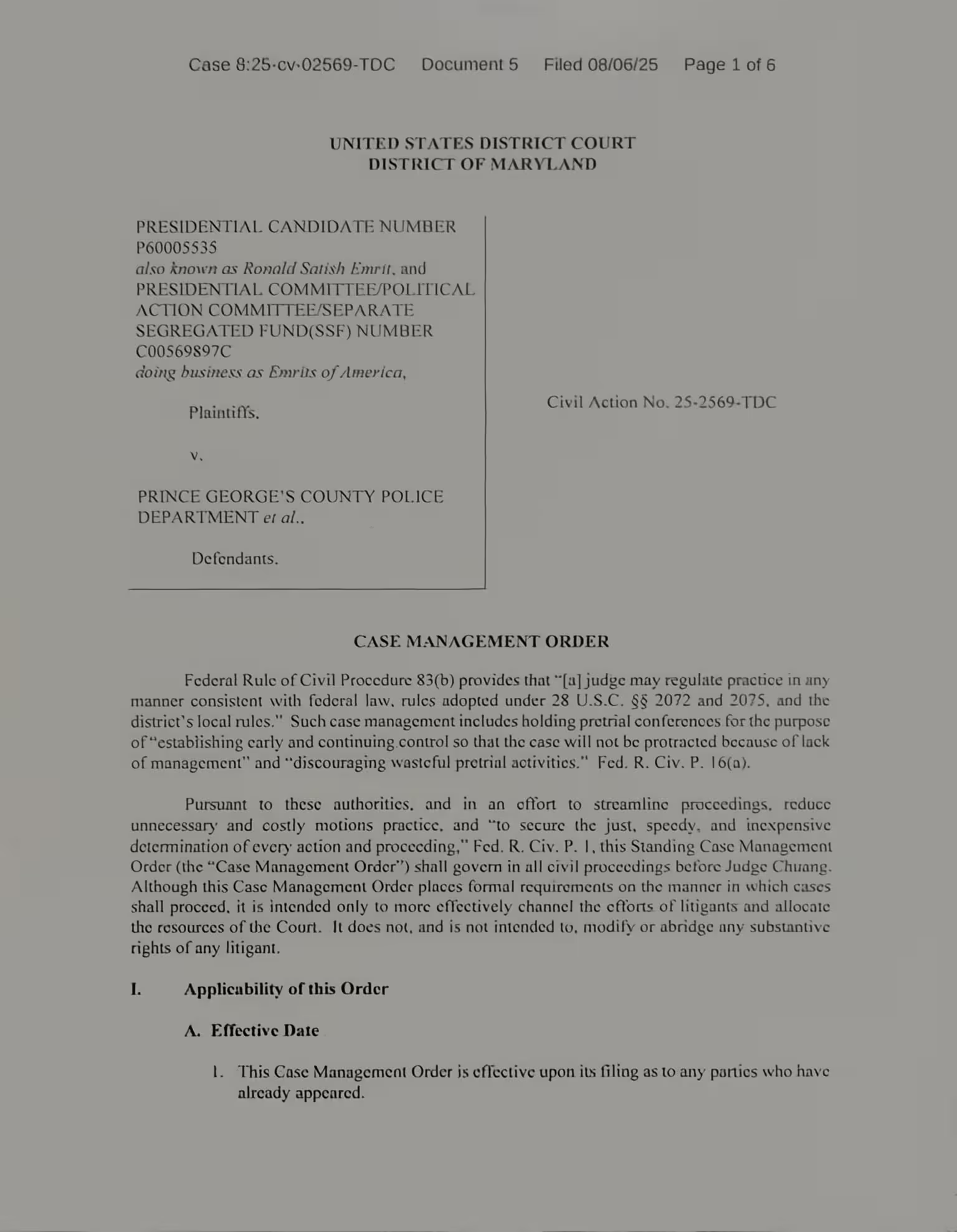
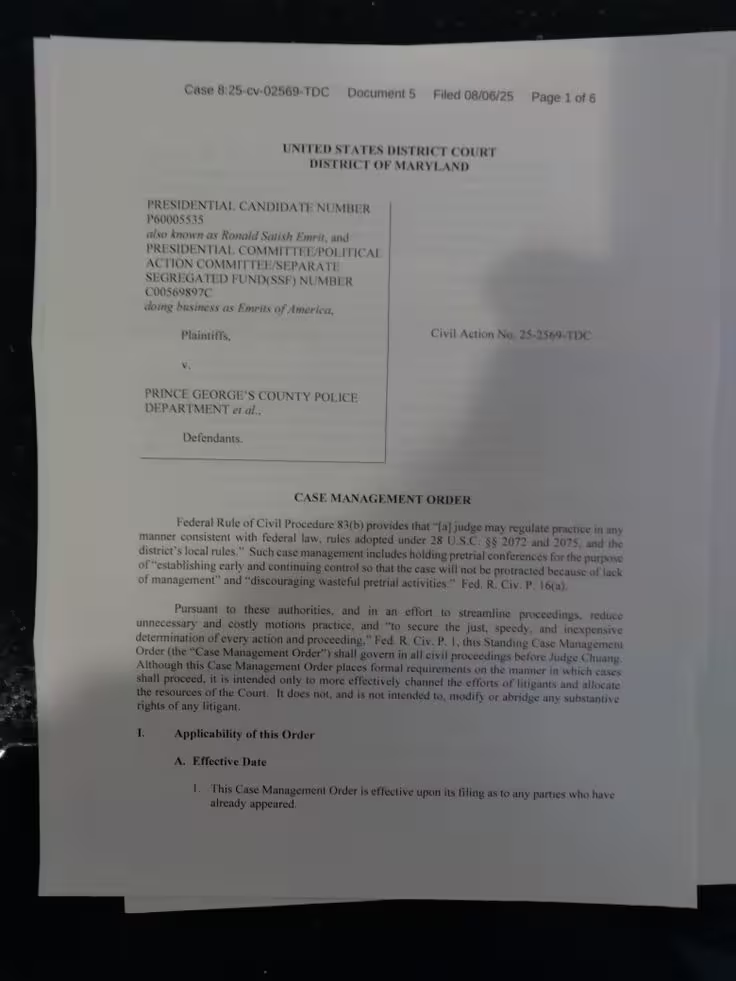
Reduce distracting shadows while preserving printed text, handwriting, tables, borders, and the original page layout. The goal is a cleaner document without removing the visual information that gives it meaning.
How to use
Upload your document image, process it automatically, and download the cleaned result.
Choose a JPG, PNG, or WebP scan or photographed page.
AI detects uneven lighting and cleans the document automatically.
Review the clearer document and save it to your device.
Made for documents
Useful for documents captured with a phone, camera, or scanner, whether you need a clearer copy for reading, sharing, filing, or later text recognition.
Reduce folds, desk shadows, and dark edges around small print.
Clean page-curve shadows and uneven light near the binding.
Keep fields, signatures, lines, and printed text easy to review.
Improve photographed class notes, meeting notes, and reference sheets.
Balance gray backgrounds, dark borders, and inconsistent scanner lighting.
Improve the visibility of older pages without rebuilding the document.
Built for readable results
Balance uneven lighting while keeping the content and structure of the original page.
What to know before removing shadows from a document image.
Upload a scan or photographed page and remove distracting shadows while preserving the content that matters.
Remove document shadows